
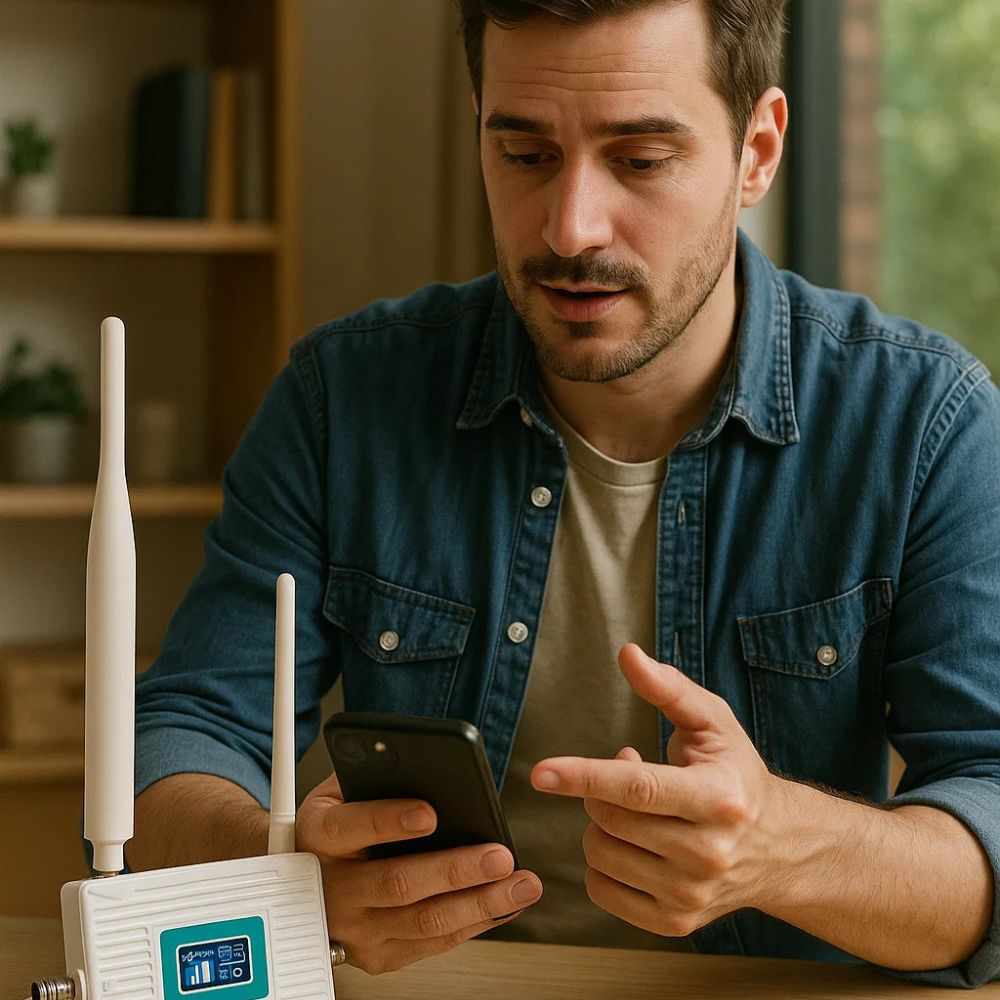
Having only one or two bars on your phone can turn simple tasks into frustrating experiences. Calls may drop unexpectedly, messages can take longer to send, and mobile data may become too slow for everyday browsing or streaming. While weak reception can happen anywhere, it is especially noticeable inside buildings, in rural areas, or in locations surrounded by hills, dense trees, and other obstacles.
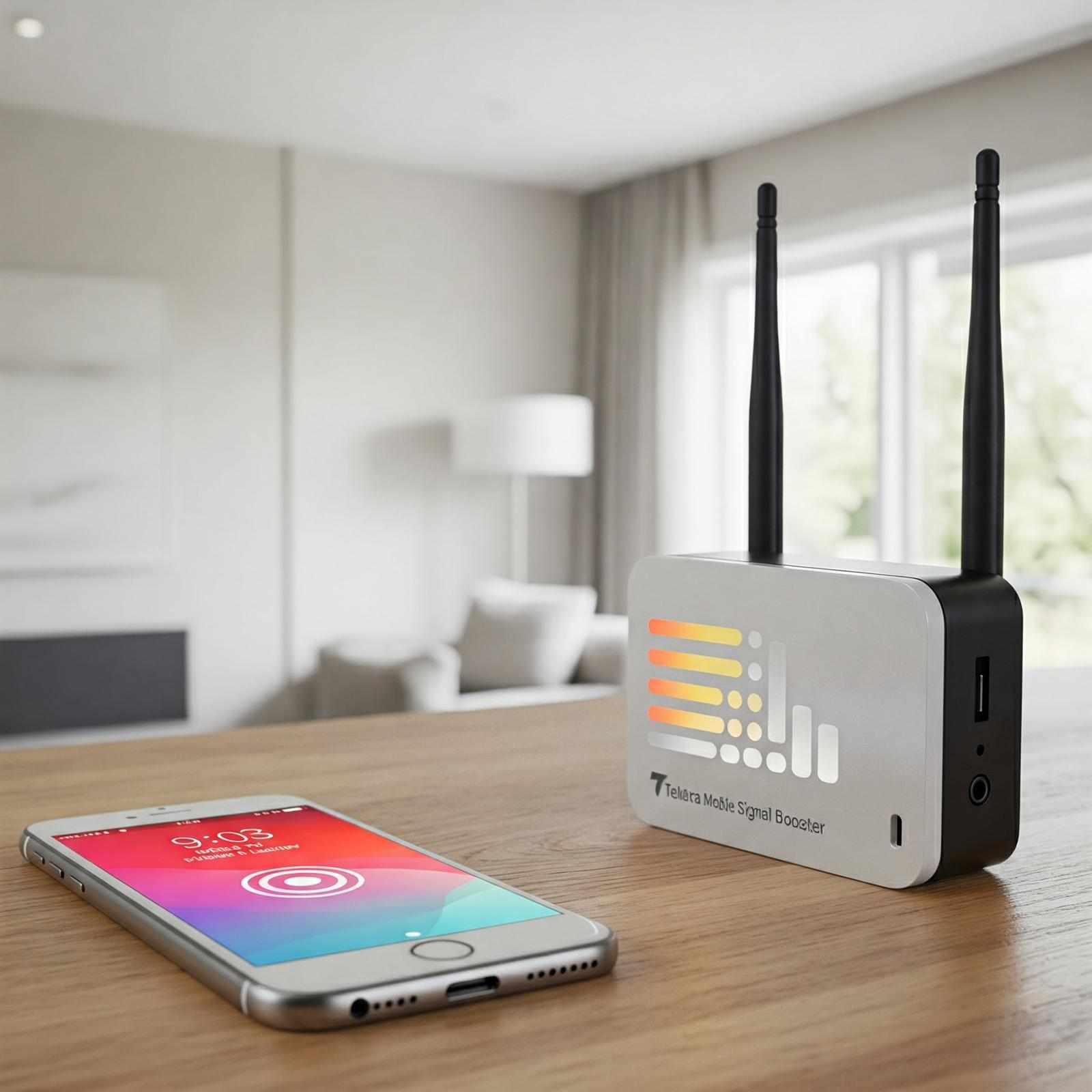
A Telstra signal booster can be one potential solution for improving mobile reception in areas where an existing outdoor signal is available but becomes weak indoors. However, before choosing a solution, it is important to understand why your signal is poor and what factors are affecting your connection.
Why Is Telstra Mobile Reception Weak?
Mobile reception depends on several conditions, including your distance from a mobile tower, surrounding terrain, building construction, network congestion, and the location of your device. A phone located close to a window may sometimes receive a stronger signal than the same phone used in an interior room.
Modern buildings can also make reception more difficult. Concrete walls, metal structures, tinted windows, insulation materials, and underground spaces can interfere with radio signals. This is why someone may have reasonable reception outside a building but struggle to make a reliable call after walking indoors.
Geography is another important factor. Homes and businesses located in valleys, behind hills, or in areas with dense vegetation may experience weaker reception because the signal has difficulty reaching the location.
Start by Identifying the Problem
Before investing in any equipment, it helps to determine exactly where the reception problem occurs. Check your phone in different parts of your property and compare the signal near windows, outdoors, upstairs, and in areas where reception is normally poor.
You should also consider whether the problem affects calls, text messages, mobile data, or all three. If the connection is consistently weak in one particular part of a building, the issue may be related to indoor signal penetration rather than a complete lack of network coverage.
Testing at different times of the day can also provide useful information. If your signal becomes noticeably slower during busy periods, network congestion may be contributing to the problem.
Improve Your Phone's Position
Sometimes a small change in location can make a noticeable difference. Moving closer to an exterior wall or window may provide your phone with a clearer path to the nearest mobile tower.
For people working from home, placing a phone or compatible device in an area with stronger reception can make everyday communication more reliable. Similarly, businesses may find that reception improves in certain areas of their premises.
This approach is simple and costs nothing, making it a useful first step before considering other options.
Check Your Device and Network Settings
Not every reception problem is caused by the network itself. An outdated phone, incorrect network settings, software problems, or a damaged SIM can sometimes affect connectivity.
Restarting your phone and checking for software updates can help rule out basic device-related problems. It is also worth checking whether the issue occurs with other phones using the same network. If multiple devices experience weak reception in the same location, the problem is more likely to be related to coverage or the physical environment.
If only one device is affected, checking that device should be the priority.
Consider Wi-Fi Calling
If your home or workplace has a reliable broadband connection but poor mobile reception, Wi-Fi calling may provide another practical option, depending on your device, plan, and network support.
Wi-Fi calling allows compatible phones to make and receive calls over a Wi-Fi connection instead of relying entirely on the cellular signal inside the building. This can be particularly useful in rooms where mobile reception is weak but internet connectivity is strong.
However, Wi-Fi calling does not improve the cellular signal itself. If you need better mobile reception throughout a property, a different solution may be more appropriate.
How a Signal Booster Can Help
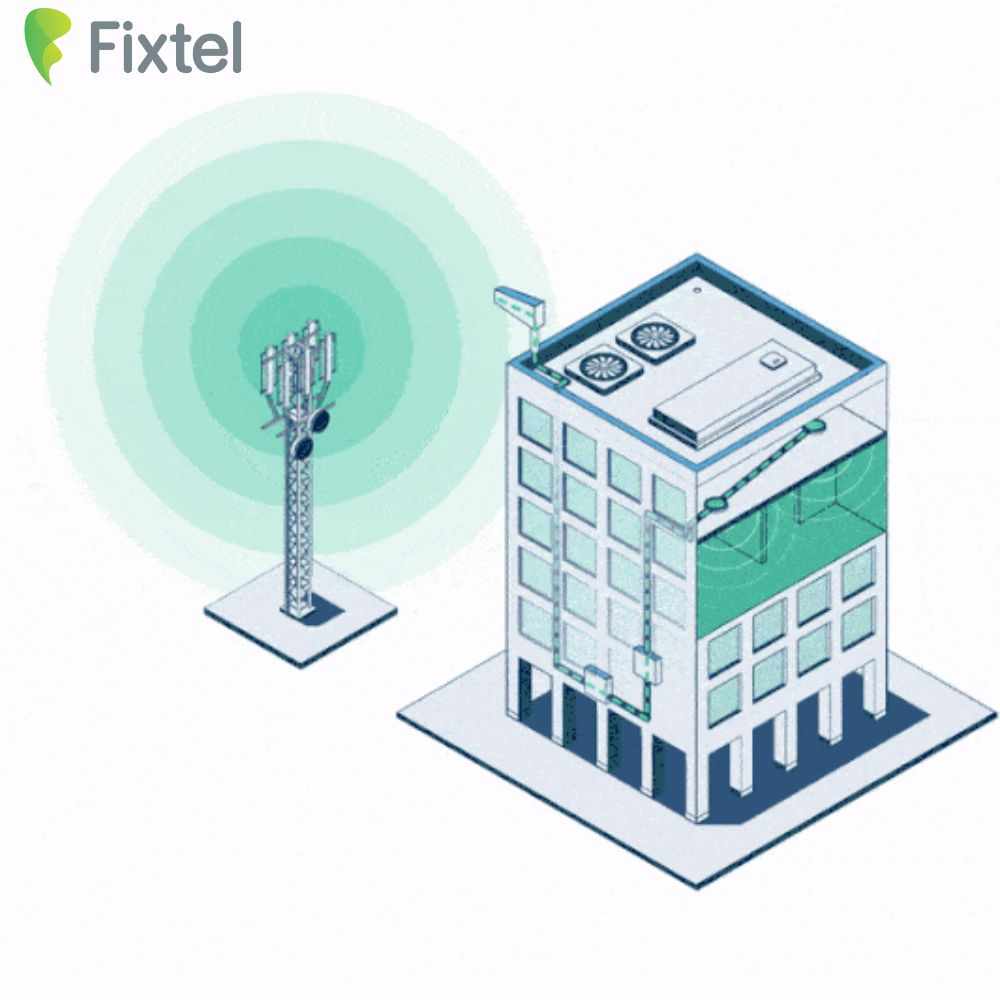
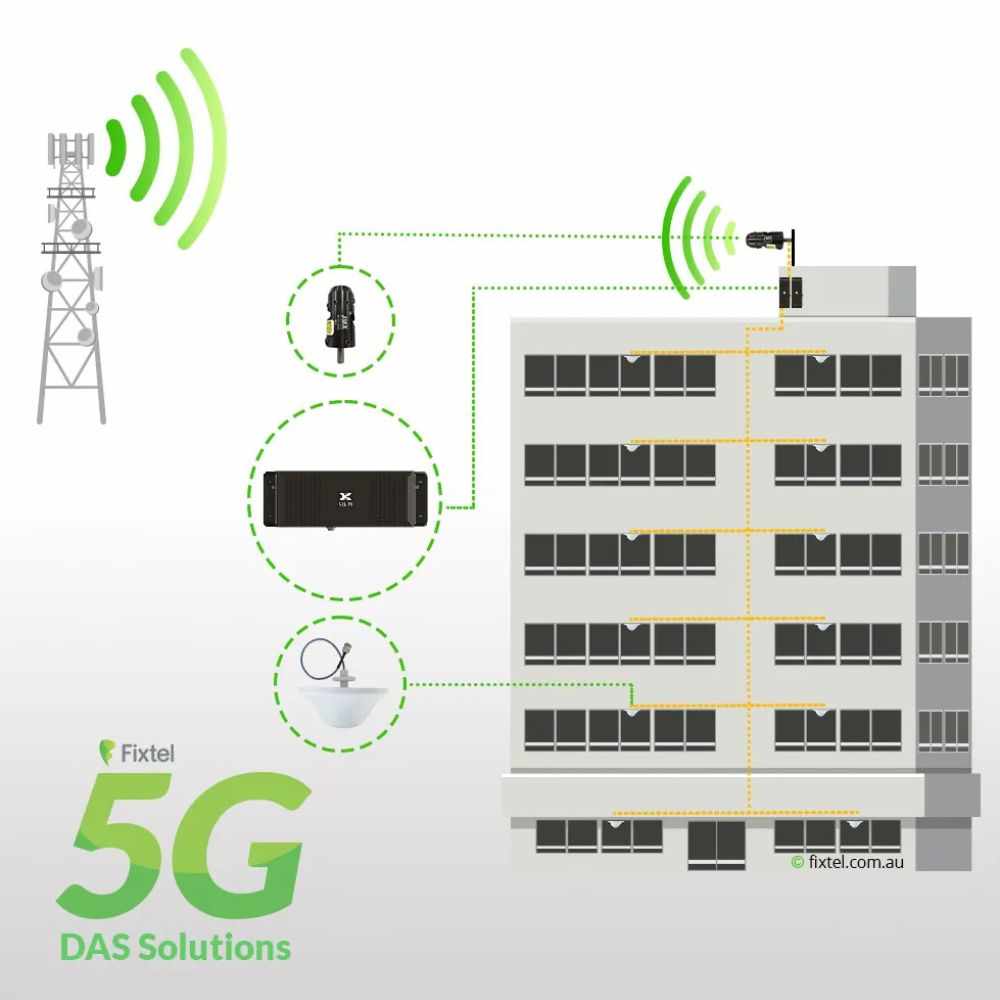
When there is a usable mobile signal outside a building but poor reception inside, a properly designed signal boosting system may help bring that available signal indoors.
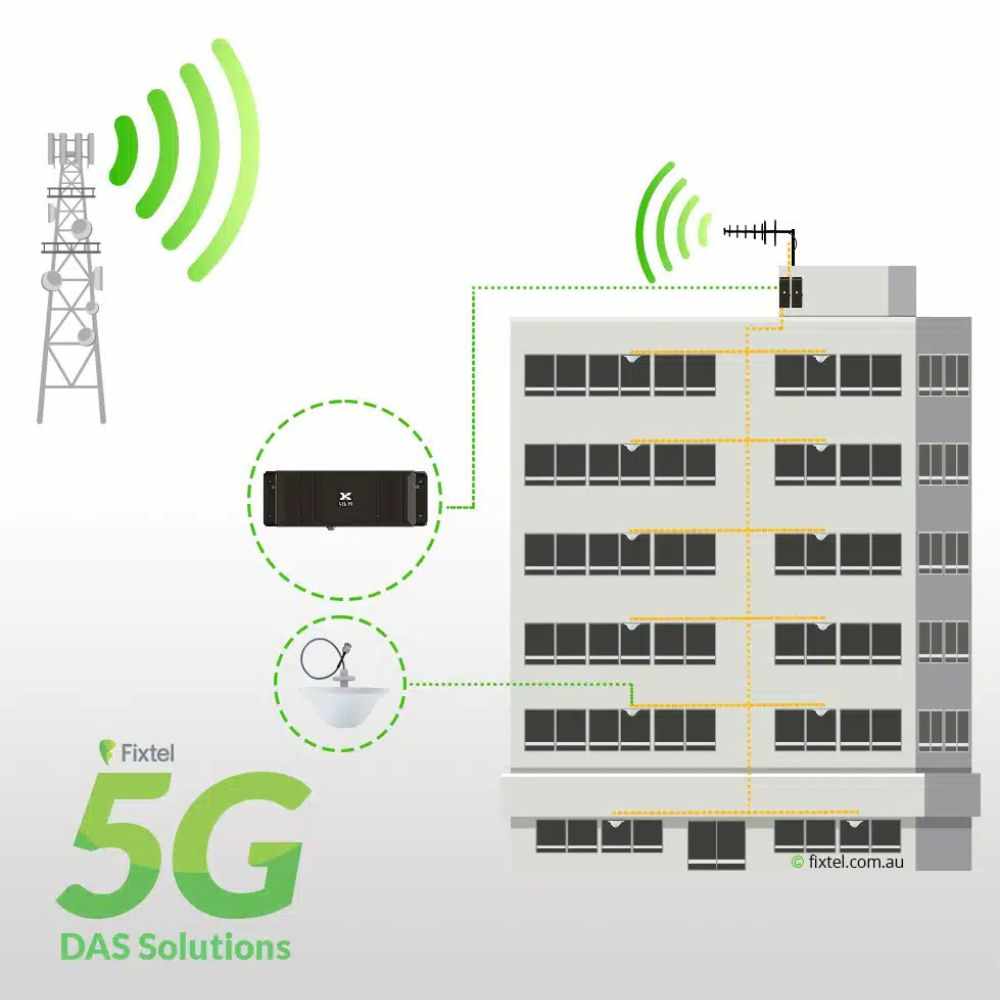
A typical system uses an external antenna to capture an available signal, a booster unit to amplify it, and an internal antenna to distribute the improved signal within the required area.
The effectiveness of such a setup depends heavily on the signal available at the external antenna location. A booster cannot simply create a mobile signal where there is no usable signal to capture. The surrounding environment, installation quality, antenna placement, and coverage requirements all influence the final result.
This is why understanding the existing signal conditions is important before choosing equipment.
Choosing the Right Solution for Your Property
The best solution depends on where the reception problem occurs and how large the affected area is. A small home with a single weak room may have very different requirements from a large office, warehouse, farm, or commercial building.
Building layout also matters. Thick walls and multiple floors can make it more difficult for a signal to travel effectively between rooms. A larger property may therefore require a carefully planned antenna and distribution setup rather than a basic installation.
It is also important to ensure that any equipment you consider is appropriate for the relevant network frequencies and complies with applicable Australian requirements.
Professional Installation Can Make a Difference
Even good equipment may perform poorly if it is installed incorrectly. Antenna positioning, cable quality, separation between antennas, and the location of the booster can all influence performance.
A professional assessment can help determine where the strongest available signal is located and how coverage can be distributed throughout the property. This can reduce the risk of installing equipment in a position that does not provide the expected improvement.
For businesses, professional installation can be particularly valuable because reliable mobile connectivity may be important for staff communication, customer calls, security systems, and other operational needs.
When Should You Consider a Signal Booster?
If you regularly experience dropped calls, unreliable mobile data, or dead zones inside a property despite having usable network coverage nearby, improving the indoor signal may be worth considering.
The key is to identify whether the issue is caused by weak coverage, building interference, device problems, or network congestion. Once the underlying cause is understood, it becomes much easier to choose an appropriate solution.
For some users, moving to a better location or using Wi-Fi calling may be enough. For others, a properly installed signal boosting system may provide more consistent coverage across the areas where it is needed.
Better Reception Starts With Understanding the Problem
Going from one bar to reliable mobile coverage is not always about buying the most powerful equipment available. The first step is understanding why the signal is weak in the first place.
Check the signal in different locations, compare multiple devices, consider the impact of your building and surrounding environment, and investigate whether Wi-Fi calling can solve the immediate problem. If a usable outdoor signal exists but indoor reception remains poor, a suitable Telstra signal booster may provide a practical way to improve coverage when correctly selected and installed.
Better reception can make everyday communication far less frustrating. Whether you are working from home, running a business, or simply trying to make reliable calls from every room, taking a careful approach to mobile coverage can help you find a solution that fits your property and your connectivity needs.




Write a comment ...